Put in your highlights whatever a first-time visitor would want to know before deciding to follow, message or buy: who you are, the content you get asked about most, and the answers that would otherwise take a direct message. For most accounts that comes to four to six highlights, each with a one-word name. The lists below give starting categories for personal accounts, creators and shops.
Free Aesthetic Cover Sheets to Try
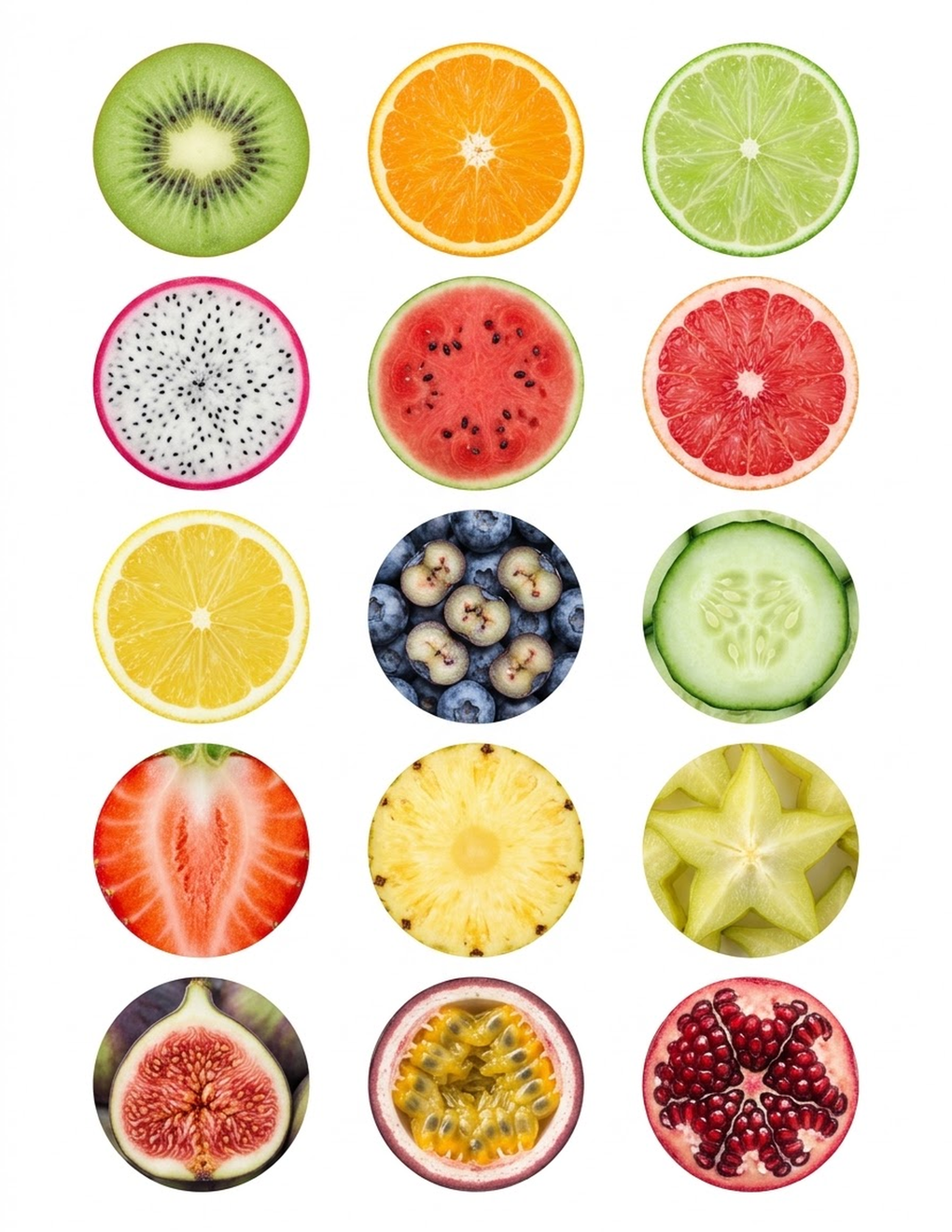
Ideas are easier to judge on a real profile, so here are thirteen sheets of 15 aesthetic covers each: wax seals, chrome objects, film and vinyl, chrome and pearls, fruit slices, coastal textures, neon lights, paper collage, retro tech, film grain, golden hour and dusk and bokeh. Download the sheets, or the 150 separate cover images in one ZIP, and set them as highlight covers.
Download all 13 pages in one PDFOne PDF of 13 pages. Several sheets of aesthetic covers, 15 per sheet.




What Highlights Are Actually For
Stories disappear after 24 hours. A highlight is a named group of stories that stays on your profile for as long as you keep it. On most profiles the highlights sit in a row between the bio and the grid; on some, Instagram has moved them into a tab of their own beside the posts.
That position decides what belongs there. Followers have usually seen your stories as you posted them, so they have little reason to open highlights. The people who do are mostly new: they landed on your profile from a post, a search or a link, read the bio, and are now looking for a reason to stay. Highlights are the place for whatever answers their questions fastest.
A useful test for any category: would a stranger tap it? "Mexico 2025" passes. "Random" does not.

Ideas for Personal Accounts
A personal profile is a scrapbook, and the best highlights are the chapters you would show a new friend.
- Places. One highlight per trip or city: "Lisbon", "Road Trip", "Home".
- People. "Family", "Friends", or a single highlight for a partner or a child.
- Pets. If you have one, this tends to be the highlight people open first.
- Food. Restaurants you loved, or things you cooked.
- Hobbies. "Garden", "Runs", "Books", "Pottery", "Gigs".
- Years. "2025", "2026". A simple way to keep an archive without inventing categories.
- Milestones. "Wedding", "Graduation", "New House".
Pick the four or five that reflect how you actually use Instagram. A highlight with two stories from three years ago does not earn its place.
Ideas for Creators
A creator's highlights work like the navigation of a small website. A visitor wants to know what you make, whether you are good at it, and how to get more.
- About or Start Here. A few stories that introduce you and what the account covers.
- Q&A. Answers to the questions you get every week. Save them once and point people to the highlight.
- Tips or Tutorials. Your most useful short how-tos, split by topic if there are many.
- Process. Behind-the-scenes: the desk, the tools, the messy middle.
- Faves. Tools, materials or products you recommend.
- Work. Finished pieces, client results or collaborations.
- Links. Where to find your newsletter, shop or longer content.
- Events. Workshops, markets, live sessions.
Ideas for Shops and Services
A shop's highlights answer buying questions, so build them in the order a customer asks: what do you sell, is it any good, how do I get it. The usual set is About, Products or Services, Reviews, FAQ, Shipping or Booking, and Behind the Scenes.
There is a full walk-through, with icon suggestions for each, in highlight covers for small business.

Starting Sets at a Glance
| Account type | Start with these | Add when you have the stories |
|---|---|---|
| Personal | Travel, Friends, Food, Pets | Years, Hobbies, Milestones |
| Creator | About, Tips, Q&A, Work | Process, Faves, Events, Links |
| Shop or service | About, Products, Reviews, FAQ | Shipping, Process, Press, Sale |
Names That Fit Under the Circle
The name is printed in small type under each circle, and the space is narrow. Instagram limits how long a highlight name can be, and on the profile it shortens anything that does not fit, ending it with an ellipsis. The Help Center gives no figure for either. Guides that have tested it report a hard cap of 15 or 16 characters and agree that only about nine show under the circle. So a name of nine characters or fewer is safe. Check yours on your own profile, since the cutoff depends on the letters and the screen.
Shorter is nearly always better anyway:
| Too long | Fits |
|---|---|
| Frequently Asked Questions | FAQ |
| Behind the Scenes | Process |
| Customer Testimonials | Reviews |
| Recommendations | Faves |
| How to Order | Order |
| Summer in Portugal | Portugal |
Three habits keep the row readable:
- One word where possible. Two short words at most.
- One capitalization style. All "Title Case", all lowercase or all caps. Mixing them looks accidental.
- Words a stranger understands. An inside joke is fine on a personal account and confusing on a shop.
Some people use a single emoji as the name, or leave only the cover to speak. That works if the icon is unmistakable. For anything a customer needs to find, use a word.
How Many Is Too Many
Instagram itself sets a generous ceiling. Guides that track its limits agree on up to 100 stories in one highlight, and none of them reports a cap on the number of highlights. The practical limit is the screen.
Only the first four or five circles show on a phone without swiping; the exact number depends on the screen. Everything after that is hidden until someone drags the row sideways, and many visitors will not.
So treat the visible positions as valuable. Four to seven highlights is a comfortable range for most accounts: enough to cover the main questions, few enough that each one gets seen. If you have fifteen, the last ten are an archive for you, not a menu for visitors.
The same goes for the inside. A highlight with thirty stories asks for thirty taps. Keep the best handful, the ones that still answer the question, and remove the rest. How to do that, and how to move the important highlights to the front, is covered in organizing and reordering highlights.
When two highlights overlap ("Tips" and "Tutorials", "Food" and "Recipes"), merge them. One clear category is better than two half-full ones.
Choose Covers After You Choose Categories
Decide the list first, then look for covers. A set is only useful if it has an icon for each of your categories in one style, and it is frustrating to find that a set you like has no icon for "Reviews".
Sets named for a particular kind of account are a quick way to get relevant icons. These three are named for influencers, for general business use and for dog accounts.
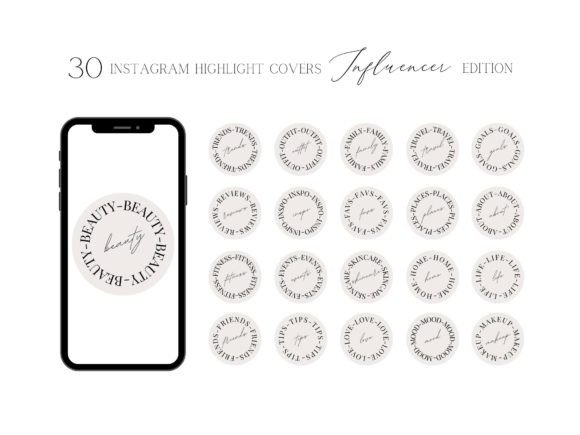
30 Influencer Instagram Highlight Covers
See the listing ↗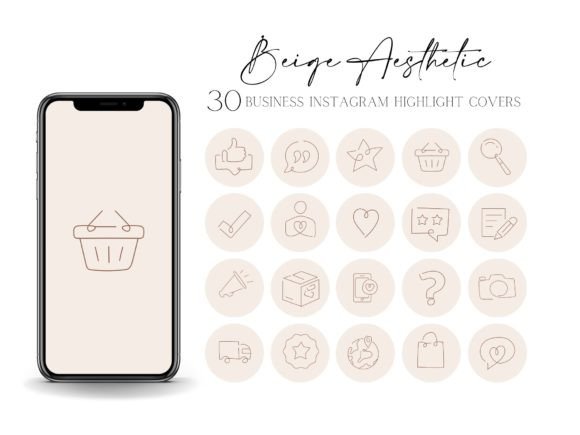
30 Business Instagram Highlight Covers
See the listing ↗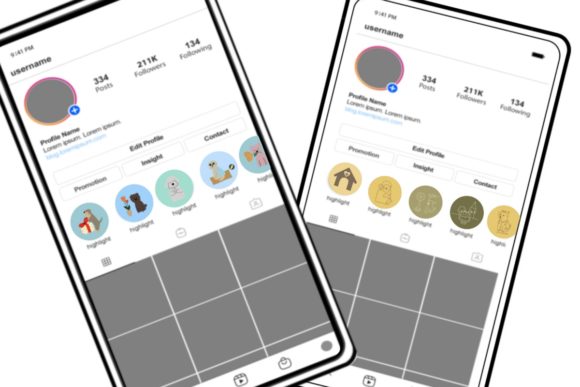
54 Dog Instagram Highlight Covers
See the listing ↗From the collection Instagram Highlight Covers. New Creative Fabrica members get 10 free downloads, and any of these can be one of them.
If your categories are less standard, you do not need literal icons at all. Abstract, floral or watercolor covers carry no specific meaning, so any cover can stand for any category, and the name underneath does the explaining. These are named for a softer, decorative style, including one made for food bloggers.
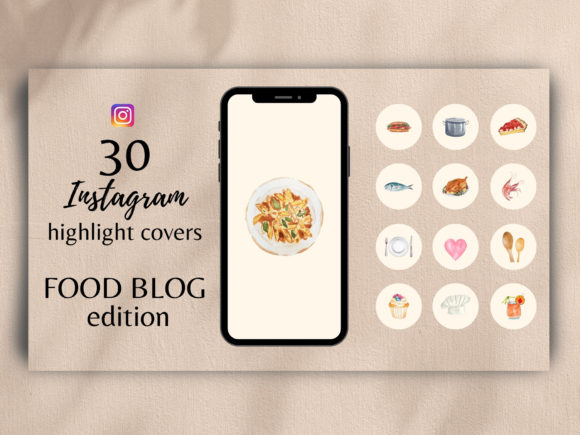
Watercolor Highlight Covers for Food Blo
See the listing ↗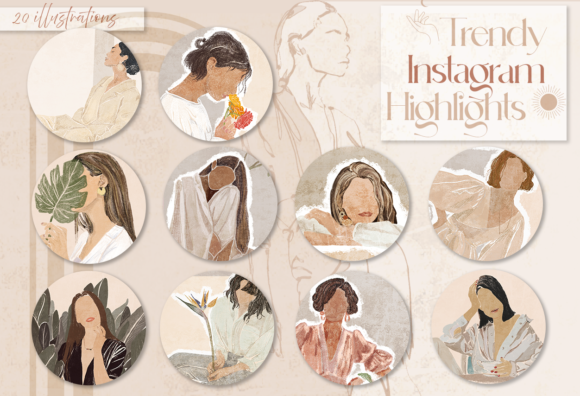
20 Boho Women Instagram Highlight Covers
See the listing ↗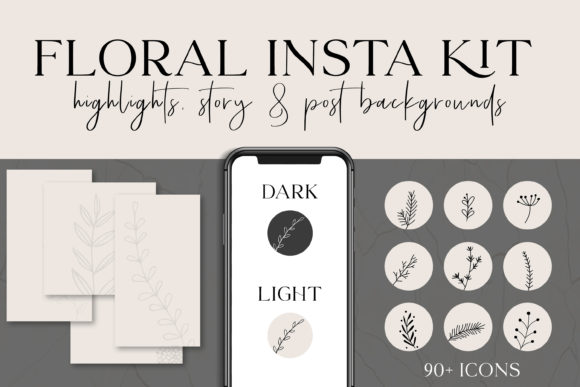
Floral Instagram Highlights & Templates
See the listing ↗From the collection Boho & Floral Highlight Covers. New Creative Fabrica members get 10 free downloads, and any of these can be one of them.
Build the Row This Week
- Write down the three questions new visitors ask you most. Each is a highlight.
- Add one or two categories that show personality or proof: a process, a place, reviews.
- Shorten each name until it fits in about nine characters.
- Go through your story archive and add the best three to eight stories to each. If a category has none yet, post one this week.
- Set matching covers, following how to add highlight covers without posting them.
Then leave it alone for a month and see which highlights you keep adding to. Those are your real categories. For covers to match, the Instagram story highlights collection has sets in several styles.
Cover Sets Related to This Guide
Instagram Highlight Covers13 hand-picked · open the collection →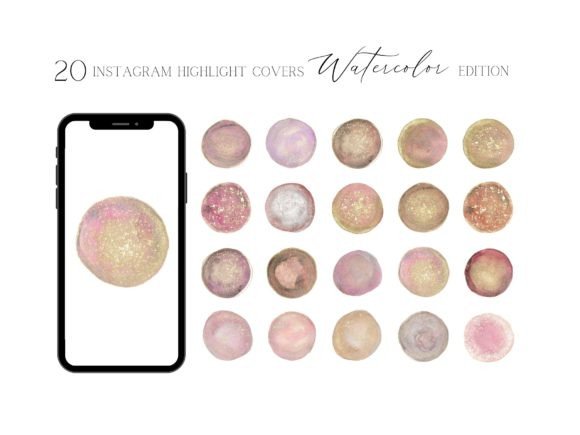 Boho & Floral Highlight Covers11 hand-picked · open the collection →
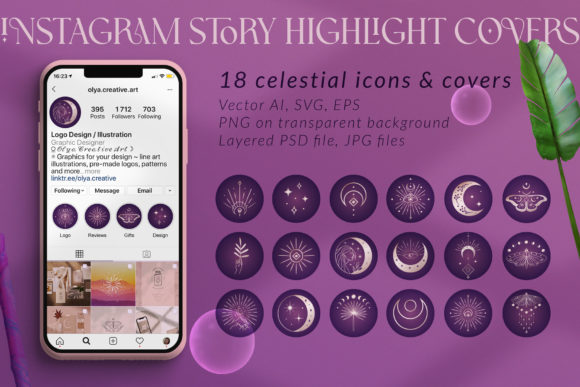 Instagram Story Highlights8 hand-picked · open the collection →