Profile and Highlight Guides
Practical help for the top of your Instagram profile: setting covers, sizing them, naming and ordering highlights, and matching your bio, picture and colors.
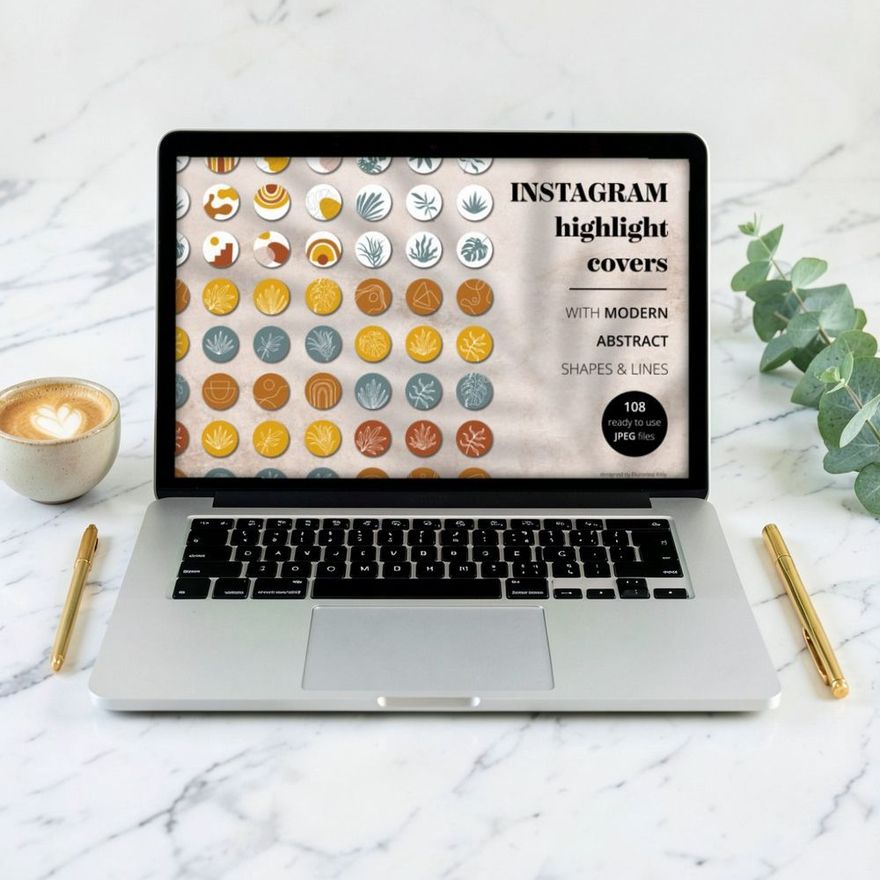
How to Add Instagram Highlight Covers Without Posting Them
Set a highlight cover straight from your camera roll, add one while creating a new highlight, and swap it later, all without sharing the image to your story.
Read the guide →
Instagram Highlight Cover Size and Safe Zone, Explained
The canvas size to use for Instagram highlight covers, how the circle crop works, where the safe zone is, and which file type keeps the icon sharp.
Read the guide →
Instagram Highlight Ideas: What to Put in Your Highlights
Highlight categories for personal accounts, creators and shops, short names that fit under the circle, and how to tell when you have too many.
Read the guide →
Instagram Bio Ideas: A Simple Four-Line Formula
A four-line formula for an Instagram bio that says who you are and what you post, with line-break tips, name field keywords and examples for three account types.
Read the guide →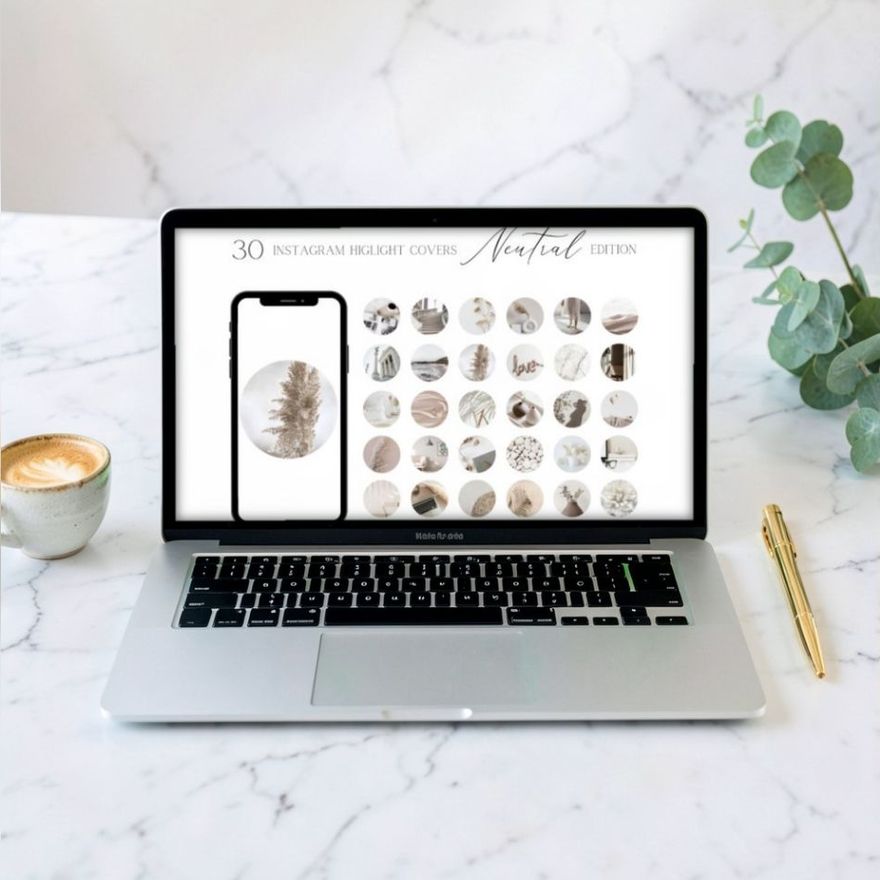
Instagram Feed Ideas: 7 Layouts and How to Keep Them Up
Seven Instagram grid layouts, from one consistent color to a full puzzle feed, with the upkeep each one needs and how to stop the grid crop from cutting your posts.
Read the guide →
How to Choose an Instagram Color Palette You Can Stick To
Pick three to five colors for your Instagram profile, give each one a job, save the hex codes, and test them on covers and a mock grid before you commit.
Read the guide →
Instagram Profile Picture Ideas That Read at Thumbnail Size
How to choose an Instagram profile picture that still reads when it is tiny: circle crop, tight framing, contrast, face or logo, and matching your covers.
Read the guide →
How to Customize Highlight Covers in Canva, Step by Step
Open a highlight cover template in Canva, recolor it to your palette, swap icons, keep everything centered, export PNG pages and save a matching set to your phone.
Read the guide →
Instagram Highlights for Small Business: The Covers You Need
The six highlights a small business profile needs, what to save in each, the order to put them in, and which cover icons customers understand at a glance.
Read the guide →
How to Organize and Reorder Instagram Highlights
Instagram orders highlights by the most recent update. Here is how to move one to the front, arrange the whole row, rename highlights and clear out old stories.
Read the guide →